Chrome Extension i18n for Better Web Store Listings
Use chrome.i18n and localized titles/descriptions to unlock non-English search traffic — real case study: 179% user growth.
Article content
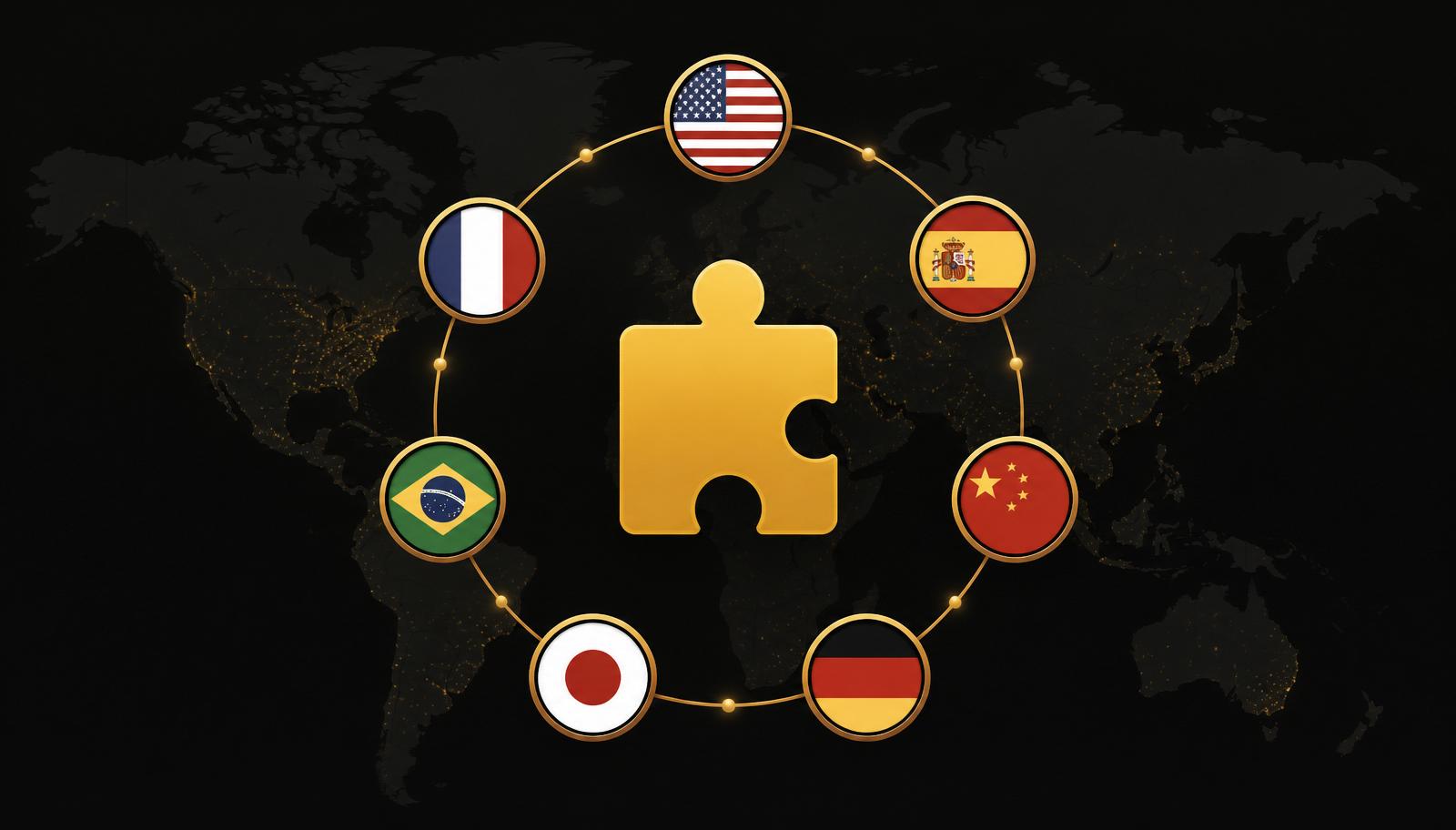
If you want more Chrome extension users without rebuilding your whole product, internationalizing your extension and localizing your Chrome Web Store listing is one of the highest-leverage moves you can make. In practice, that means using Chrome's `chrome.i18n` system and localized titles/descriptions so your extension shows up in search for users in their own language. Done right, you can turn a flat extension into a global micro-SaaS with only a few hours of work.
According to recent Chrome Web Store statistics, there are over 110,000 extensions competing for attention, so discoverability is often your real bottleneck—not features (AppWatch, 2024). Internationalization gives you a way to fix that discovery problem first, then gradually refine your UI for the audiences that actually show up.
What Is Chrome Extension Internationalization?
Chrome extension internationalization (i18n) is the process of making your extension's UI and metadata work across multiple languages and locales using message catalogs instead of hard-coded text. In Chrome, this is built around `_locales` folders and the `chrome.i18n` API, which let you store strings in JSON files and reference them by key (Chrome for Developers, 2025).
Rather than shipping one English-only manifest and UI, you give Chrome a default locale and optionally add language-specific message files like `en/messages.json`, `de/messages.json`, and `zh/messages.json`. Chrome then injects the right string based on the user's browser language during install and runtime, so your extension feels native to them out of the box (MDN Web Docs, 2026).
Why Localized Chrome Web Store Listings Matter in 2026
The Chrome Web Store is effectively a search engine for extensions, and its ranking logic heavily depends on titles, descriptions, and keywords. When you only ship an English listing, you're invisible to users searching in other languages—even if your extension would solve their problem perfectly (Chrome Web Store, Wikipedia).
A solo developer shared that simply localizing their Chrome Web Store title and description into ten languages (without touching the UI) increased daily impressions from single digits to 300–450 and boosted weekly active users by 179%, with 41% of users suddenly coming from Chinese-speaking markets (Reddit day1tabs localization story, 2026). That is pure listing optimization—not a big refactor.
For indie makers, this matters because you're competing in a global SaaS market expected to surpass $1,109B by 2033, but you don't have enterprise marketing budgets (Grand View Research, 2026). Localized listings give you a way to tap into international demand using the same codebase and minimal translation investment. If you're still hunting for the right extension to invest that translation budget in, our complete Chrome Web Store ASO guide walks through how to pick winners before you localize.
How to Internationalize Your Extension UI with chrome.i18n
Step 1: Set up _locales and default locale
Start by adding a `default_locale` to your `manifest.json`, for example `"default_locale": "en"`. Then create a `_locales` folder with subfolders for each language you want to support, like `_locales/en` and `_locales/es`. Each folder contains a `messages.json` file where you define keys and translated strings (Chrome i18n API docs).
{
  "appName": {
    "message": "Tab Cleanup Assistant",
    "description": "Extension name"
  },
  "appDescription": {
    "message": "Automatically close unused tabs and track what you actually use.",
    "description": "Extension description"
  }
}
In your manifest and HTML, you replace hard-coded strings with `__MSG_appName__` and `__MSG_appDescription__`, so Chrome can pull the appropriate translation based on the user's language (Internationalize the interface guide).
Step 2: Replace static UI text with message keys
Next, go through your options pages, popups, and context menus to replace static text with `chrome.i18n.getMessage` calls. For example, instead of writing `"Settings"` directly in your HTML, you use:
<h1 id="settings-title"></h1>
<script>
  document.getElementById("settings-title").textContent =
    chrome.i18n.getMessage("settingsTitle");
</script>
This pattern lets you translate buttons, tooltips, error messages, and onboarding flows without branching your logic for each language. It also makes future language additions mostly a matter of adding new `messages.json` files and updating your build process (MDN WebExtensions i18n examples).
Step 3: Decide how far to go with UI translation
For utility extensions (like tab cleaners or screenshot tools), you may find that localizing only the most visible UI—titles, main buttons, and onboarding messages—is enough to keep retention strong. Complex SaaS-like products might need deeper localization for billing flows, dashboards, and error states to avoid confusion (Localization playbook, 2026).
Start with the minimal viable subset: landing copy, primary actions, and upgrade paths. Then use analytics and feedback to decide which languages deserve full UI translation later.
How Do You Localize Your Chrome Web Store Title and Description?
Step 1: Choose languages and keywords
Pick 5–10 languages based on where your existing users come from and where the category is popular. Analytics tools like Crxlytics and AppWatch show per-country and per-language trends across 100k+ extensions, so you can see which markets actually install your type of extension (Crxlytics Chrome Web Store statistics).
For each language, research local keyword phrases that match your value proposition. If your English title is "Tab Cleanup Assistant", you might aim for phrases like "auto close tabs daily" or "track tab usage" translated with human help, not just machine output. A tool like Mangools is the most affordable way to run keyword research across locales without an enterprise SEO subscription—use it to sanity-check search volume in each target language before you pay for translation.
Step 2: Wire your listing to _locales
Chrome lets you localize Web Store listing fields by referencing `messages.json` keys in the manifest. For example, you can set:
{
  "name": "__MSG_appName__",
  "description": "__MSG_appDescription__",
  "default_locale": "en"
}
When the store renders your listing for a user whose browser is set to Spanish, it will pull the Spanish strings from `_locales/es/messages.json`. That means you can maintain all listing variants in the same code repository instead of editing them in the Web Store UI by hand (Chrome Web Store localization guide).
A solo dev reported that doing exactly this—adding translated names and descriptions for ten languages via `_locales`—took about five minutes and led to a multi-hundred-percent increase in impressions and users, especially from Chinese-speaking regions (Reddit day1tabs localization story, 2026).
Step 3: Avoid generic machine translation traps
Generic website translation tools often produce awkward or misleading titles when used on extension listings, which can hurt click-through rates. Localization guides note that professional translation rates range roughly from $0.09 to $0.35 per word depending on language pair and complexity, so selectively buying high-quality translations for your title and 1–2 sentence pitch is affordable compared to rewriting your app (Laoret translation pricing guide, 2024).
Prioritize languages where you already see organic installs or where you know your category is gaining traction and treat translation as a one-time investment that feeds long-term Chrome Web Store search traffic.
Is Chrome Extension Internationalization Worth Your Time as an Indie Maker?
Internationalization feels like "extra work" until you look at the economics. You invest a small number of hours and a modest translation budget, but in return you open your extension to entire markets that would otherwise never see it.
Below is a realistic range-based ROI table based on typical solo dev i18n implementation effort (20–40 hours), global freelance developer rates of $20–$100+/hour (RemoteCrew developer hourly rates, 2025), professional translation rates of roughly $0.09–$0.35 per word (Laoret pricing guide, 2024), and case studies showing extensions growing from 0 to 10k users via localization and 2–4% freemium conversion rates (freemium case study, 2026).
| Time Investment | Money Investment | Expected Outcome | Assumptions |
|---|---|---|---|
| 15–25 hours | $0–$500 | 300–3,000 new installs in 6–12 mo | Solo dev, limited translation; English UI kept; 3–5 high-value languages. |
| 25–40 hours | $500–$1,500 | 3,000–10,000 new installs in 6–18 mo | Deeper listing optimization + basic UI translation; freemium monetization. |
| 40–60 hours | $1,500–$3,000 | 10,000–30,000 installs, $200–$1,500 MRR | Full listing + UI localization for 8–15 languages; continuous iteration; 2–4% conversion. |
Assumptions — Based on global developer and translation rate ranges from 2024–2026 reports. Assumes an average solo dev skill level and a functioning extension before localization. Real outcomes vary by niche, quality, and execution.
From an indie-maker perspective, this is attractive because small extensions have repeatedly been shown to reach $3,500 in a couple of months or $42k/month with strong positioning (Indie Hustle Helper-AI case study). Localization amplifies whatever you already have—good positioning and UX—into more markets. If you also plan to send visitors from your landing page to those localized listings, spin up multi-language landing pages fast with Lovable—it lets you clone and translate variants in an afternoon instead of a week.
What Doesn't Work (and Why)
One founder documented how they spent two years building a Chrome extension, lost around $15,000, and made only about $200 in revenue because they overbuilt features, under-invested in validation, and didn't think systematically about discovery or monetization (StartupStash Chrome extension failure story).
The common pattern is treating Chrome extensions like mini "products" without treating the Chrome Web Store like a distribution channel that needs active optimization. Another trap is assuming that machine-translated UI alone will drive growth; in reality, misaligned titles and descriptions can confuse users, hurt click-through, and fail to rank for the right queries.
If you skip data, try to guess revenue, and never instrument your funnel, you'll probably waste months. The safest path is to start with real benchmarks, validate your idea against real demand, then layer localization on top of an extension that already solves a specific, proven problem.