Meeting Notes Chrome Extension Ideas: 3 Focused MVPs
Explore 3 meeting notes workflows with real tools like tl;dv and Otter, lean MVP plans, consent safeguards and clearly illustrative revenue math.
9,656 expired extensions already mapped to these niches
20 free sample rows · no signup · 30-day refund
Article content
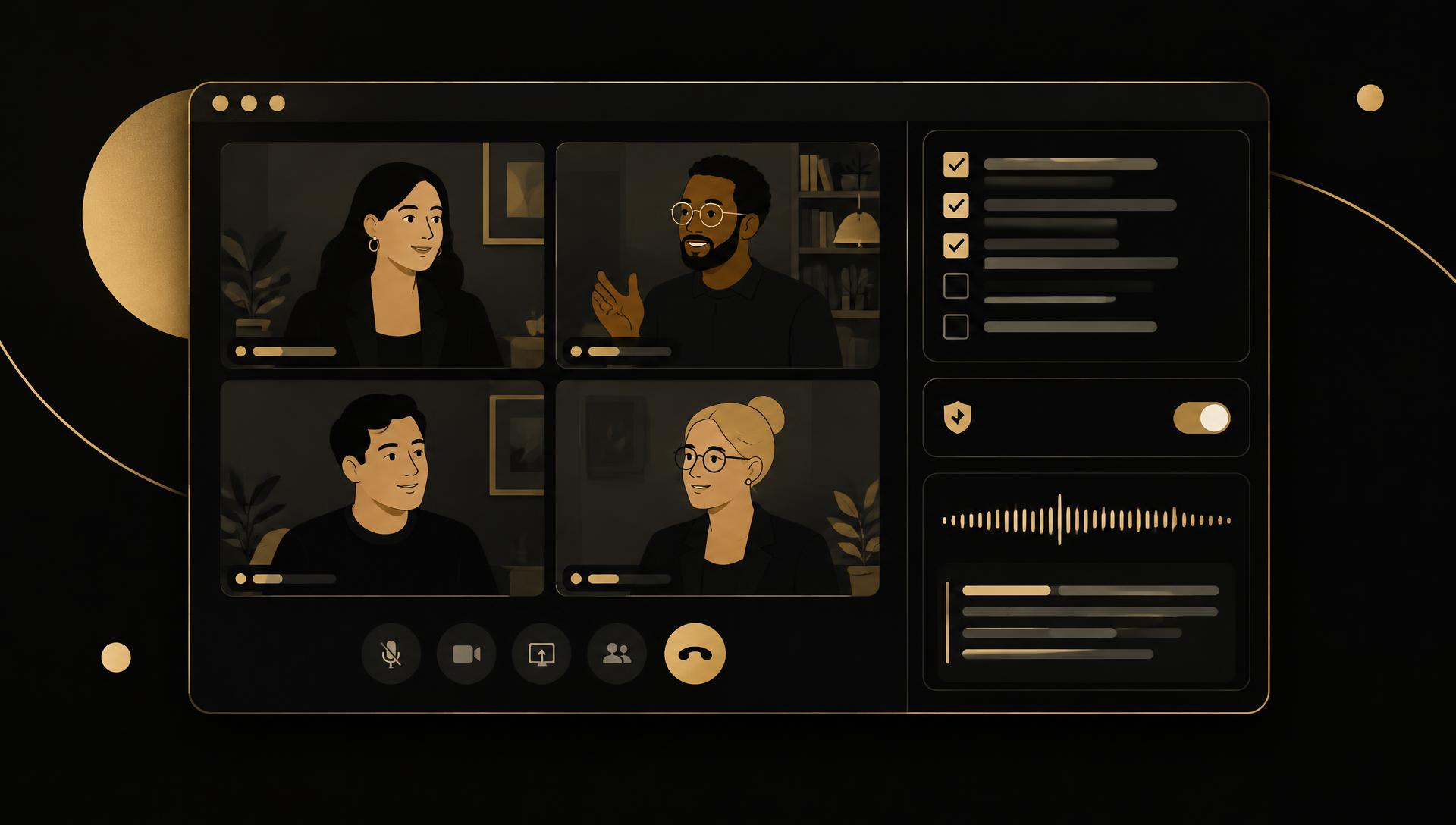
Which meeting notes extension should you build? Test a structured interview scorecard for recruiters, a sales-call note formatted for one CRM or an action-item tracker for one meeting type. General AI note takers are crowded and built into meeting platforms. The opening is a role-specific output that fits an existing system, with consent handled visibly.
This guide expands the AI and productivity categories in our Chrome extension niches guide. The pillar’s Blue Dot example shows demand for browser-based meeting notes, but Google Meet, Zoom and funded note takers already summarize calls. Differentiation must come from the buyer’s template and destination.
Real meeting tools: recording, transcripts and structured notes differ
| Product or feature | Officially described workflow | Question for a focused entrant |
|---|---|---|
| tl;dv | Vendor describes recording, transcribing and AI notes for Meet, Zoom and Teams | Which role needs a stricter template? |
| Otter.ai | Vendor describes live transcription and meeting summaries | Can you avoid storing full audio at all? |
| Fireflies.ai | Vendor describes AI meeting notes and CRM integrations | Which CRM or ATS format is still poorly served? |
| Google Meet transcripts | Google documents built-in transcripts on eligible Workspace plans | Does your buyer already have this included? |
Sources checked October 21, 2026. These are vendor and help-center descriptions, not hands-on tests. Feature availability depends on plan and platform. No verified primary revenue figures for these tools were established in the reviewed sources.
Recording audio, transcribing speech and producing structured notes are separate steps with different risks. A notes-only tool that works from the user’s typed notes or an existing transcript avoids capturing other participants’ audio, which removes much of the consent and storage burden.
Idea 1: a structured interview scorecard for recruiters
Candidate buyer: A recruiter runs repeated screening calls and must enter consistent scores and evidence into an applicant tracking system afterward.
- Small MVP: a side panel with the team’s competency template, quick evidence notes during the call and a formatted export for one tracker.
- Useful output: scores tied to quoted evidence the interviewer wrote, not AI-inferred judgments about the candidate.
- Exclude initially: audio recording, automatic candidate scoring, sentiment analysis and multiple tracker integrations.
- Validation: compare scorecard completeness and time-to-submit for ten interviews with and without the panel.
Automated candidate evaluation can raise fairness and legal issues in hiring. Keep the interviewer as the decision-maker and avoid inferring traits from voice or video.
Idea 2: a sales-call note formatted for one CRM
Candidate buyer: A founder or small sales team takes discovery calls and loses next steps because notes never reach the CRM in a usable structure.
- Small MVP: a discovery template (pain, budget, timeline, next step), optional summary of the user’s own notes and a reviewed copy to one CRM format.
- Differentiate: the team’s qualification framework and required fields instead of a generic summary.
- Exclude initially: recording by default, automatic CRM writes without review and lead enrichment.
- Validation: check whether next steps are logged and followed up more often during a pilot.
If you summarize with an AI model, send only the user’s notes, disclose the provider and keep a human review before anything reaches the CRM. Our AI support guide covers similar human-reviewed drafting patterns.
Idea 3: an action-item tracker for one recurring meeting
Candidate buyer: A team lead runs the same weekly meeting and action items get lost between sessions.
- Small MVP: capture action items with owner and due date during the meeting, carry open items into next week and export a short recap.
- Useful output: a running list that shows what was done since last time, not a full transcript.
- Exclude initially: transcription, calendar-wide automation and task-manager sync for every tool.
- Validation: measure how many items stay open past their due date before and after a month of use.
This idea needs no audio at all, which keeps permissions minimal. Our documentation workflow guide covers turning recurring processes into written steps.
Consent, recording law and data retention
Recording or transcribing other participants can require consent under local law and company policy; rules differ by jurisdiction. Make any recording visible to everyone, never record silently and prefer notes-only workflows for the first MVP.
Chrome’s tabCapture API can capture tab audio and video after user action. Capturing a call carries significant privacy obligations; request it only if the feature truly needs audio and explain storage and deletion clearly.
Meeting content often includes confidential business, candidate or customer information. Disclose any AI provider, avoid training on customer content without consent and provide export and deletion controls.
Revenue examples: planning assumptions, not product earnings
Illustrative subscription: 80 users × $10 = $800/month
80 paying users at an assumed $10/month would produce $800 gross MRR. This is author-created arithmetic, not tl;dv, Otter or Fireflies revenue. If nobody pays, revenue is $0.
Subtract fees, support and any AI model costs. Transcription and summarization usage can make margins thinner than a notes-only tool.
Illustrative team pilot: 10 teams × $90 = $900/month
10 teams at an assumed $90/month would generate $900 gross MRR. These are planning inputs, not expected results.
Team plans need admin controls, data retention settings and support, which add cost before revenue appears.
Keep assumptions separate from dated business evidence with our revenue benchmarks guide and vary your own buyer and price inputs in the revenue calculator. Gross revenue is not profit; installs, funding and vendor subscription prices do not establish realized earnings.
Validate one workflow before expanding
- Choose one role and one meeting type. Collect their current template and where the notes end up.
- Prototype a notes-only panel and test it in five real meetings.
- Measure completeness and follow-up rate against the baseline.
- Offer a paid pilot. Stop if built-in Meet or Zoom features already satisfy the buyer.
To prototype the summary step, a no-code AI agent builder lets you test prompts on sample notes before coding, and a low-code automation platform can route reviewed notes into a CRM or tracker. If paid team accounts are needed, compare Outseta with your billing needs. These are affiliate tools; they do not handle consent or prove demand for you.
Next step: Use the idea-validation framework on one role’s meetings. For email follow-ups after calls, see the Gmail extension ideas guide.