Documentation Chrome Extension Ideas: SOPs, Bug Reports & QA
Explore 3 browser documentation workflows: SOP updates, bug-report handoffs and release QA, with real tool examples, privacy safeguards and pricing math.
9,656 expired extensions already mapped to these niches
20 free sample rows · no signup · 30-day refund
Article content
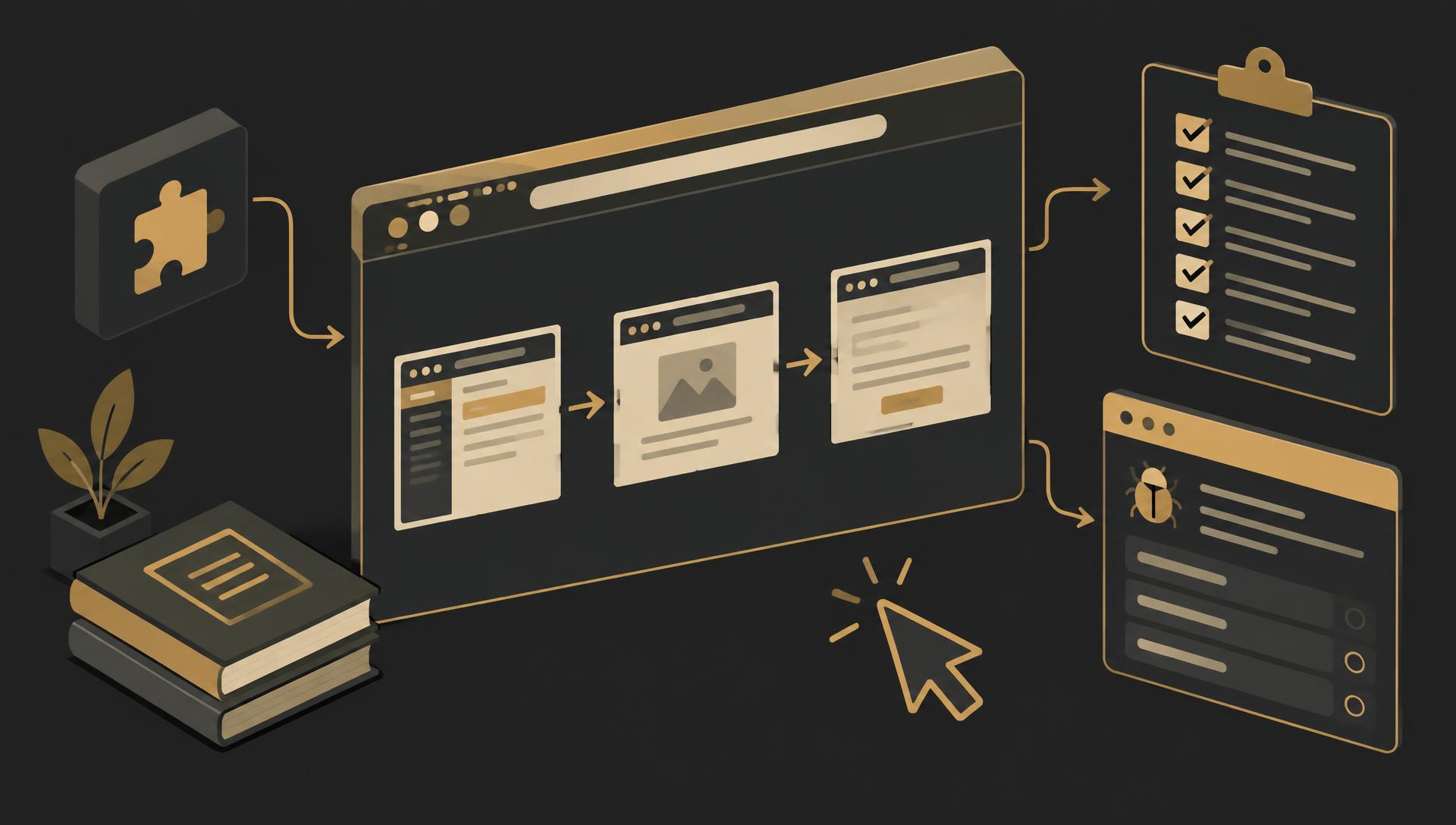
Which documentation Chrome extension ideas should a solo builder test? Choose a reviewable SOP update companion, a privacy-conscious customer-to-engineer bug handoff, or a manual release QA checklist created from a browser flow. Each serves a different handoff. Start with one buyer and one output, not another general-purpose 'record everything' tool.
This is the developer-workflow deep dive in our profitable Chrome extension niches guide. Existing documentation and bug-report products demonstrate real workflows, but their popularity is not proof that your version has buyers. The revenue examples below are explicitly illustrative because verified primary revenue figures were not established.
Real products: distinguish guides, recordings and diagnostic reports
| Product | Officially described workflow | Question for a focused entrant |
|---|---|---|
| Scribe | Browser capture for step-by-step guides | Which review or update step is still manual for one team? |
| Tango | Capture, edit and share browser workflows | What does the buyer need after the initial guide exists? |
| Dubble | Record an editable guide with pause and blur controls | Which app-specific documentation handoff needs a smaller output? |
| Jam | Bug capture with technical context such as console and network data | Can a narrower report reduce customer friction and sensitive attachments? |
These descriptions come from product documentation checked October 21, 2026, not an independent comparative audit. Tango's help page explains capture, editing and blur; Dubble describes recording, pausing and blurring a guide; Jam describes attached console logs, network requests, events and device metadata. Feature access and plans can change. Their existence is a reason to narrow your idea, not to claim the category lacks competitors.
A screen recording shows what happened over time. A step-by-step guide organizes actions into instructions. A bug report also needs expected behavior, actual behavior and reproduction context. A release checklist asks whether known checkpoints still pass. Do not bundle all four outputs simply because they can begin with the same browser session.
Idea 1: an SOP update companion for one web application
Candidate buyer: an operations lead maintaining onboarding instructions for one browser-based tool. The pain to investigate is not creating the first guide; it is noticing and reviewing changes after the application updates. This is a hypothesis to test against the team's current guide editor and update routine.
- Small MVP: manually captured screenshots, ordered steps, editable action labels and a guide version date. Let the reviewer compare a later run side by side with the saved steps.
- Useful output: a reviewed change note and an updated checklist. Mark uncertainty rather than asserting that a visual difference proves the workflow is broken.
- Exclude initially: autonomous account navigation, reliable semantic change detection, all-app support and enterprise document governance.
- Validation: give the prototype to someone who has recently corrected a stale guide. Compare time to a reviewed update with their existing workflow, not time to an unedited capture.
Different screen sizes, account roles and experiments can change screenshots without changing the job. Save the test conditions and let a human approve the comparison. Start with one application the buyer can legitimately access; a broader scope multiplies layout variations and maintenance cost.
Idea 2: a customer-to-engineer bug handoff with preview first
Candidate buyer: a small SaaS support team repeatedly chasing missing reproduction details. A narrow extension could turn an approved capture and short form into one issue-tracker draft. The aim is a useful report, not indiscriminate collection of every browser diagnostic.
- Small MVP: explicit capture start/stop, expected versus actual behavior, reproduction steps, browser context and a reviewable screenshot. Support one export or tracker destination first.
- Privacy boundary: remove unnecessary query parameters from URLs, offer redaction before sharing and make any technical attachments visibly selectable. Do not silently attach console or network payloads.
- Exclude initially: continuous session recording, full request/response collection, automatic login reproduction and promises of catching every secret.
- Validation: compare reports from a consented pilot with the support team's current form. Did the engineer have enough context without asking for another screenshot or exposing unrelated data?
Jam is evidence that rich diagnostics can be useful, not a requirement that your MVP collect the same data. Its DevTools documentation describes the technical context that can accompany reports. A product serving external customers might deliberately capture less. Validate that trade-off with support staff and engineers together.
Idea 3: a manual release QA checklist from a browser flow
Candidate buyer: a developer shipping a small web application without a dedicated QA team. They need a consistent manual pass over the same critical paths. Test whether a browser-side checklist keeps the release review complete without pretending to replace an automated testing system.
- Small MVP: a saved sequence of checkpoints with expected outcomes, pass/fail/not-tested status, notes and a release identifier. Export a concise reviewed report.
- Differentiate: tie each checkpoint to a known buyer workflow and make omissions visible. A launch checklist can be useful without replaying clicks.
- Exclude initially: reliable automatic regression detection, universal selectors, production-account test automation and claims that a manual pass establishes security or accessibility compliance.
- Validation: observe two release reviews. Does the checklist reduce forgotten checkpoints or ambiguous handoffs compared with the team's current notes? Stop if it duplicates their issue tracker.
Keep the initial implementation small using the filter in our easy Chrome extension ideas guide. A recording-to-checklist workflow becomes a different engineering problem when it includes replay, assertions and unattended execution; do not estimate those features as minor additions.
Capture permissions and redaction are part of the product
Screenshots can expose customer names, addresses, billing pages and internal information. Typed entries, console logs and network payloads can contain passwords, tokens and private content. Explicit consent to record one process is not a reason to keep unrelated data. Prefer a clear capture indicator, pause/stop controls, excluded domains and a local preview before any upload.
Ask for the narrowest access that actually supports the feature, and explain it honestly. Chrome's activeTab documentation describes temporary access following a user action; it is not blanket permission for unattended cross-site recording. Screen and tab capture have their own constraints. Our screen-capture guide is an implementation starting point, not a compliance certification.
For saved guides, redact images and text before export, not just in the on-screen preview. Ensure the original hidden image is not included in the shared artifact. For cloud sharing, plan access checks, revocation, deletion and retention. Test with synthetic secret-looking values and review the result; do not promise that automated blur or pattern matching catches every sensitive item.
Follow Chrome Web Store Limited Use rules and disclose actual data handling. Diagnostic collection should be purposeful, reviewable and minimal. Do not record another person's private workspace to validate a product without their authorization. Local-first storage reduces some transmission risk but does not remove the need for clear controls.
Revenue examples: honest planning when public earnings are unknown
Illustrative seat scenario: 100 seats × $8 = $800/month
A documentation companion with 100 paying seats at $8/month would generate $800 gross monthly recurring revenue. These are author-created assumptions, not a disclosed Scribe, Tango, Dubble or Jam result, a competitor price or a sales forecast. No credible dated primary revenue disclosure for those products was established in the sources reviewed for this guide.
Funding, store installations, free accounts and subscription prices are not realized revenue. This example assumes all 100 seats are paid at full price and excludes refunds, payment fees, acquisition, screenshot storage, support and your labor. If teams will not buy, revenue is $0.
Illustrative team scenario: 20 teams × $40 = $800/month
A flat team plan with 20 paying teams at $40/month would also produce $800 gross MRR. This is illustrative arithmetic, not reported business income or verified willingness to pay. Define a team's included seats, storage and retention before testing such an offer.
Equal gross revenue does not mean equal profit. Team sharing adds access controls, deletion, onboarding and support. Screenshot or recording volume can dominate costs; adding unlimited capture without understanding usage can make a small paid plan expensive to serve.
A useful cost model adds capture volume, average file size, retention and support effort to the customer-count assumptions. A screenshot checklist and full-session video can have very different storage costs. Use our revenue benchmarks guide to keep reported evidence separate from forecasts, and the revenue calculator to vary your own payer and price inputs.
Validate the handoff, then decide what to build
- Choose a buyer and a recurring handoff: reviewed SOP update, actionable bug report or documented release pass.
- Inspect their current tools and a recent failed handoff. Ask which missing information caused extra work.
- Produce one output manually with synthetic data. Test whether the receiving person can use it without another explanation.
- Offer a scoped paid pilot and confirm who approves capture, storage and purchase. Do not confuse a compliment with buying intent.
- Set a stop condition: abandon or narrow the idea if an existing tool solves the job, privacy requirements exceed your support capacity or nobody pays.
For competitor evidence, the Chrome Stats guide explains how to compare dated listing and review signals without inventing active users or revenue. Buyer interviews remain necessary. If the recurring job is a QA bug handoff rather than written steps, see developer debugging extension ideas. Once the workflow is validated, TurboStarter is an affiliate extension-starter option; if team billing is needed, compare Outseta with your account requirements. To show buyers the capture flow before the extension is finished, an interactive step-by-step demo can stand in for the real product. Neither tool validates the niche or makes captured data safe by default.
Next step: ask an operations lead or support engineer to show one handoff that recently went wrong. Build only the smallest reviewed output that fixes it. Use the idea-validation framework to test that observation, or return to the niches pillar if the problem is already solved. For QA-heavy teams, pair this with accessibility testing extension ideas; for support handoffs, see AI support extension ideas.