Price Tracking Chrome Extension Ideas: 3 Focused MVPs
Explore 3 price tracking workflows with real tools like Keepa and Honey, lean MVP plans, affiliate-policy safeguards and clearly illustrative revenue math.
9,656 expired extensions already mapped to these niches
20 free sample rows · no signup · 30-day refund
Article content
Which price tracking extension should you build? Test a category-specific price-history alert, a small-business procurement watchlist or a resale margin checker for one marketplace. Consumer coupon and Amazon price-history tools are crowded. A narrower buyer with a recurring purchasing decision is easier to reach and more likely to pay.
This guide expands the e-commerce category in our Chrome extension niches guide. Shopping extensions show proven demand, including a widely reported acquisition, but the largest consumer niches are dominated by well-funded incumbents and are shaped by Chrome Web Store affiliate rules.
Real price tools: history, coupons and alerts differ
| Product or feature | Officially described workflow | Question for a focused entrant |
|---|---|---|
| Keepa | Vendor describes Amazon price-history charts, alerts and a browser extension | Which non-Amazon or category-specific buyer lacks history? |
| camelcamelcamel | Site describes free Amazon price tracking and drop alerts | Is a free incumbent already enough for your buyer? |
| Honey | PayPal-owned shopping extension describing coupons and deals | Can you avoid the affiliate-attribution model entirely? |
Sources checked October 21, 2026. PayPal announced its agreement to acquire Honey for approximately $4 billion in November 2019. That is an acquisition price for a large consumer business, not a revenue figure and not a benchmark for a solo extension.
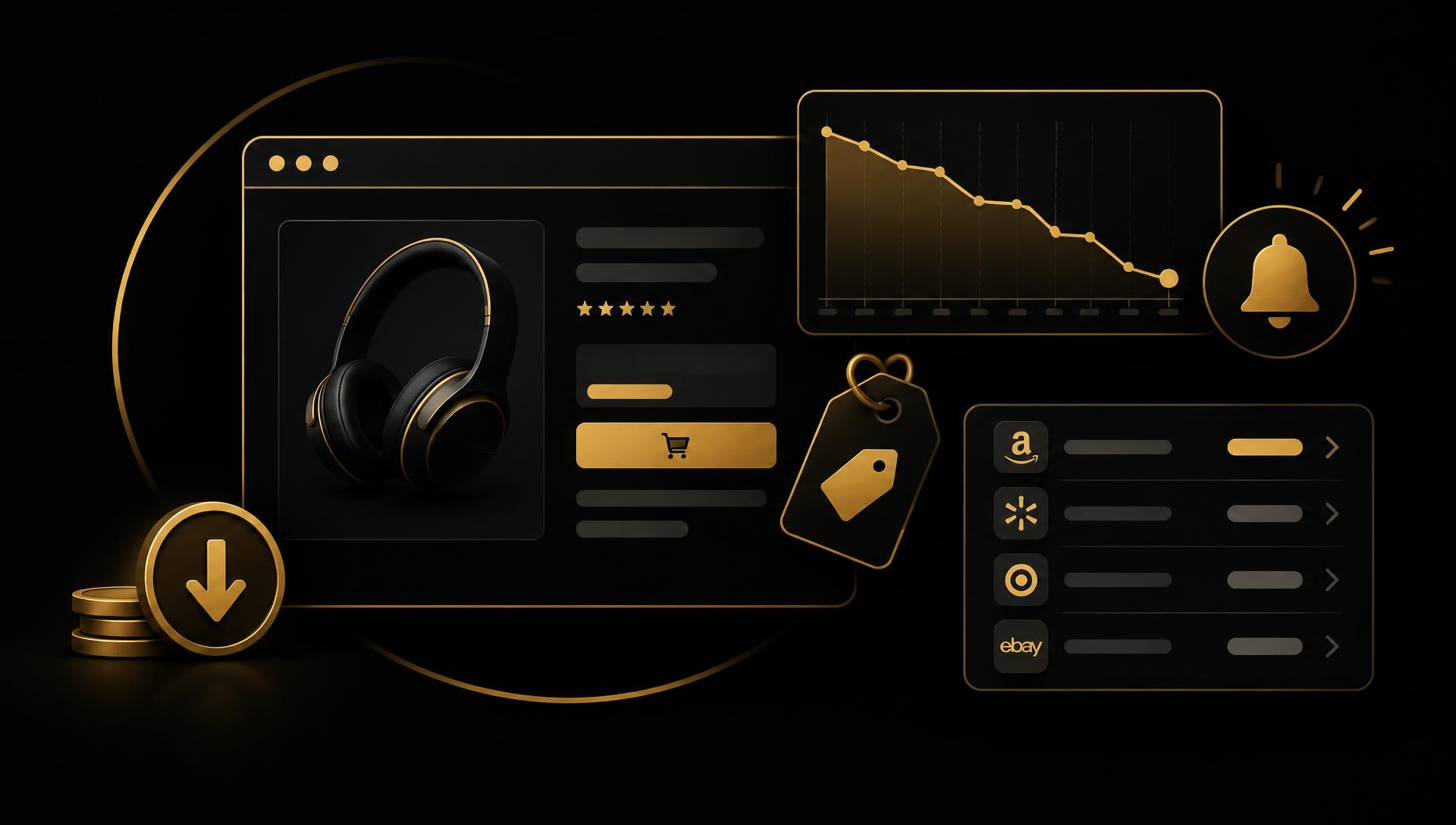
Price history, coupon insertion and affiliate attribution are different businesses. A history-and-alert tool earns from subscriptions or the buyer’s own savings. A coupon tool usually earns from affiliate commissions, which brings Chrome Web Store affiliate-ad rules and disclosure obligations into the product itself.
Idea 1: a category-specific price-history alert
Candidate buyer: A hobbyist buyer in one category, such as camera lenses or board games, watches a few retailers and misses drops because general trackers focus on one marketplace.
- Small MVP: user-saved product pages on a short list of supported retailers, a periodic check initiated by the extension, a simple history chart and a threshold alert.
- Useful output: recorded price, currency, stock status and timestamp per check, with failed checks shown instead of hidden.
- Exclude initially: coupon insertion, affiliate link rewriting, dozens of retailers and price predictions.
- Validation: ask ten buyers in the category which retailers they actually watch and whether a missed drop cost them money recently.
Check each retailer’s terms before automated price checks, keep request frequency low and stop when a page structure changes. A displayed price may exclude shipping or taxes; record what the page shows.
Idea 2: a procurement watchlist for small businesses
Candidate buyer: An office manager or small agency reorders the same supplies from several suppliers and wants to know when a regular item is cheaper elsewhere.
- Small MVP: a watchlist of approved supplier product pages, unit-price normalization the user confirms and a weekly summary export.
- Differentiate: business units, pack sizes and approved-supplier lists instead of consumer deal hunting.
- Exclude initially: automated ordering, negotiated-price scraping from logged-in portals and cross-supplier product matching by guesswork.
- Validation: compare a month of real purchases with the watchlist and measure savings the buyer agrees are real.
Unit normalization errors can mislead purchasing decisions. Let the user confirm pack size and unit, and show raw values beside converted ones. For collecting rows into a sheet, see the browser-to-spreadsheet guide.
Idea 3: a resale margin checker for one marketplace
Candidate buyer: A reseller sourcing items wants a quick margin estimate on a listing before buying, using their own fee and shipping assumptions.
- Small MVP: reads the visible price on one supported page, applies the user’s saved fee, shipping and target-margin inputs and shows estimated profit.
- Useful output: clearly labeled assumptions and a warning when fees are user-entered rather than official.
- Exclude initially: automated buying, sold-price scraping beyond allowed sources and guaranteed resale prices.
- Validation: compare estimates with the reseller’s actual results on recent flips.
Marketplace fees change, so make the fee table editable and dated. Our seller workflow guide covers adjacent inventory and listing jobs for the same buyer.
Affiliate rules, retailer terms and accuracy
The Chrome Web Store affiliate ads policy requires disclosure and user benefit and restricts how affiliate codes and cookies are applied. If you add affiliate revenue later, read the current policy first and never override another creator’s attribution without the required user action.
Disclose affiliate relationships clearly to users. The FTC’s Endorsement Guides FAQ explains disclosure expectations in the US; other markets have their own rules.
Automated price checks can conflict with retailer terms and load limits. Keep checks user-initiated or infrequent, use the narrowest host permissions and show when data is stale. Never present a recorded price as guaranteed current.
Revenue examples: planning assumptions, not product earnings
Illustrative subscription: 150 users × $5 = $750/month
150 paying users at an assumed $5/month would produce $750 gross MRR. This is hypothetical arithmetic, not Keepa or Honey revenue. The Honey acquisition price is not a revenue figure. If nobody pays, revenue is $0.
Subtract fees, refunds and support. Retailer layout changes create recurring maintenance even for a small supported list.
Illustrative business cohort: 30 licenses × $29 = $870
30 business licenses at an assumed $29 each would generate $870 gross one-time sales for that cohort, not recurring revenue or profit.
Define supported suppliers and update coverage before selling, since one supplier change can break the core feature.
Keep assumptions separate from dated business evidence with our revenue benchmarks guide and vary your own buyer and price inputs in the revenue calculator. Gross revenue is not profit; installs, funding and vendor subscription prices do not establish realized earnings.
Validate one workflow before expanding
- Choose one buyer group and their actual list of stores or suppliers.
- Record a month of their purchases and missed price drops to size the real savings.
- Prototype with a handful of supported pages and measure check reliability.
- Offer a paid pilot. Stop if free trackers already cover the stores or retailer terms block checks.
If you need scheduled checks beyond the browser, a hosted scraping platform can run collection where retailer terms allow it, and a workflow automation tool can send alerts to email or Slack. For paid accounts, compare Outseta with your billing needs. These are affiliate tools; they do not grant permission to collect any site’s data.
Next step: Use the idea-validation framework to size real savings for one buyer. For competitor listing research, the Chrome Stats guide explains what install and review signals can and cannot show.