How to Buy a Chrome Extension Business (Without Getting Burned)
Where to find Chrome extension businesses for sale, how to vet them with GA4 and Search Console, and realistic price ranges for 2026.
Article content
If you're Googling phrases like "buy Chrome extension business" or "acquire expired Chrome extension", you're not casually browsing — you're a ready-to-pay buyer looking for a fast path into extension income. In 2026, the browser extension market is a multi-billion dollar opportunity, but buying the wrong extension can turn into months of rewrite work and regret. For the broader market backdrop, our 2026 expired Chrome extension market analysis shows where the churn is happening.
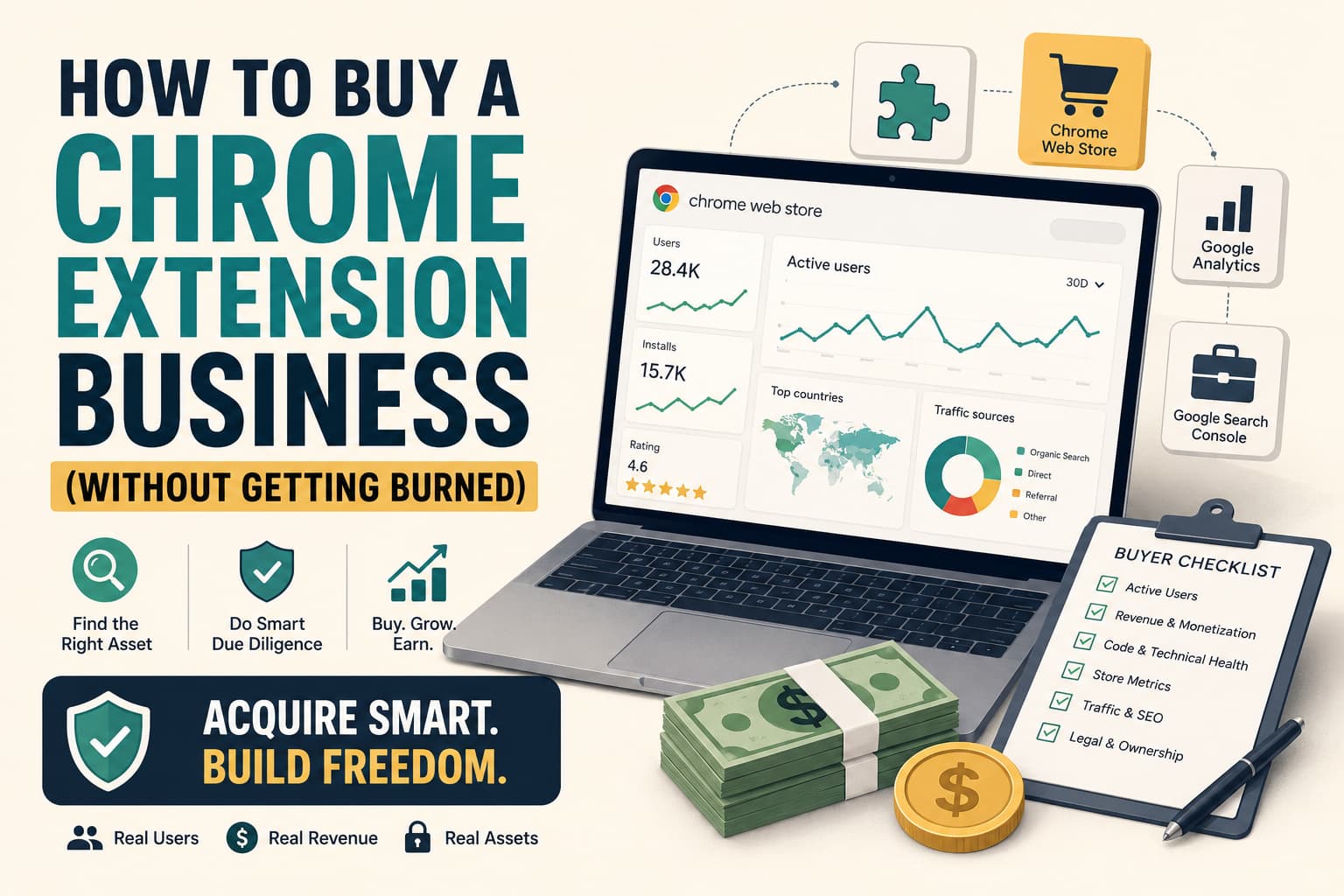
This guide shows you how to buy Chrome extension businesses safely, spot rebuild-ready expired extensions, and use Chrome Web Store metrics, Google Analytics, and Google Search Console as your due-diligence stack. You'll walk away with a clear checklist and a realistic sense of what a good deal looks like.
Why Buying a Chrome Extension Business Is Attractive in 2026
Recent market research puts the browser extension market at $7.8 billion in 2024, growing 23% year-over-year, with AI-powered Chrome extensions alone valued at $2.8 billion in 2025 and projected to reach $11.6 billion by 2034. That's a lot of money flowing through small tools that often start as one-person projects.
Chrome itself holds between 67% and 73% of global browser market share and serves 3.45–3.62 billion users, which makes the Chrome Web Store the single biggest distribution channel for browser extensions. When you buy a healthy extension, you're effectively buying a slot in that distribution engine. For a data-backed view of what those installs translate into revenue-wise, see our Chrome extension revenue benchmarks by user count.
Instead of starting from zero, buying or rebuilding an extension business lets you plug into existing users, existing search presence, and existing install funnels — if you pick the right asset.
Where to Find Chrome Extension Businesses for Sale
You have more options than "random DM on X". Serious buyers look in:
- Flippa's plugin and extensions category, which lists Chrome, Firefox, and other plugin businesses with metrics like monthly recurring revenue and active users. (Flippa)
- Microns' browser extensions for sale section, where small indie extensions with annual revenue in the low five figures are marketed as micro-acquisition deals. (Microns)
- Chrome-Stats' marketplace, which specifically connects buyers and sellers of Chrome extensions, Edge add-ons, and Android apps. (Chrome-Stats)
- Specialized buy-and-sell marketplaces for Chrome extensions, which package extensions, verification, and transaction support in a single flow. (WebStoreExtensions)
You'll also see acquisition-focused operators like DomExt, which specialize in valuing and buying Chrome extensions based on user counts, engagement, and revenue potential. They tend to target more mature assets, but reading how they talk about valuation is instructive if you're benchmarking your own deal. If you're weighing scraped datasets against curated ones, our Chrome-Stats vs Chrome Goldmine comparison breaks down which data source fits which buyer.
If you'd rather avoid chasing scattered listings, Chrome Goldmine gives you a curated database of 9,600+ expired Chrome extensions and the categories where rebuilds make the most sense — so you can use marketplaces only for the deals that fit your data-backed short list.
How to Use Chrome Web Store Metrics in Due Diligence
Before you even look at code, you want to understand how the extension behaves in the Chrome Web Store. The Developer Dashboard exposes daily and weekly active users (not just total installs), installs vs uninstalls over time, and impressions and click-through on the store listing.
A buyer's guide from Failedups recommends looking at monthly active users instead of total installs, and suggests valuation ranges of $1–$3 per active monthly user for profitable extensions with paid tiers. That's impossible to do without solid Chrome Web Store data. To scrape and normalize competitor and target metrics at scale, Apify is the workhorse indie buyers rely on — it lets you pull store listings, reviews, and update history into a spreadsheet in an afternoon.
When you're evaluating a listing, ask the seller for screenshots or live access to the Developer Dashboard metrics, a breakdown of active users versus total installs over the last 6–12 months, and a history of category placement and any feature badges they've had. Healthy extensions in low-churn categories like productivity, dev tools, or accessibility often have a high ratio of weekly actives to total installs — a green flag and a signal that buying this extension can give you durable usage instead of one-time hype. For a repeatable process, adapt the checklist in our validate Chrome extension ideas without coding guide to your due-diligence flow.
Why Google Analytics and Search Console Matter When You Buy an Extension
When an extension relies on a landing page, pricing page, or docs site to convert visitors into installs or paid users, you need more than Web Store metrics — you need web analytics.
Google Analytics for Chrome Web Store listings
Chrome Web Store listings can send events directly into Google Analytics 4, including `page_view`, `install`, and `user_engagement`. You can mark installs as conversions and analyze which traffic sources drive installs and paid signups. As a buyer, it's reasonable to request read-only access to the GA4 property tied to the Web Store listing and main site, a view of install events, conversion funnels, and retention cohorts, and confirmation that tracking IDs and property ownership will be transferred with the sale.
Google Search Console for domain ownership
If the extension uses a custom domain, you also want to verify that the seller truly owns it and that you can take it over cleanly. Google Search Console verifies domain ownership via DNS TXT records or HTML tags and unlocks search performance data for that property. Once you own the domain, Mangools makes it cheap and fast to audit the keywords the previous owner ranked for, spot decaying rankings, and plan the content updates you'll need in the first 90 days.
As part of your acquisition checklist, confirm that the domain is verified in Search Console under the seller's account, that DNS TXT records can be updated to verify your new owner account once the domain transfers, and that you'll get Search Console access to historical data (or at least exports) as part of the deal. Without this, you risk losing search visibility and misaligning your analytics stack right after the handover.
Is Buying a Chrome Extension Business Worth Your Time and Money?
Buying an extension can be cheaper than building one from scratch, but only if you account for migration and maintenance costs. Web scraping and data-engineering guides put typical rates for specialized dev work in the $50–$100/hour range, with complex projects running into several thousand dollars. European freelance studies show mid-to-senior web developers in the €50–€70/hour band, rising to €70–€100+ in some markets.
If you're evaluating whether to build or buy, those ranges matter. Here's a realistic ROI table anchored in those numbers:
| Time Investment | Monetary Investment | Expected Outcome | Assumptions |
|---|---|---|---|
| 15–25 hours | $500–$2,000 | Basic due diligence + small MV3 updates | Mid-level dev at $50–$80/h; no major rewrites |
| 30–50 hours | $2,000–$5,000 | Full MV3 migration + UX improvements | Mixed dev + QA; touching most of the codebase |
| 60+ hours + ongoing | $5,000–$15,000+ | Large rewrite or multi-extension portfolio | Higher-end experts; multiple assets or complex APIs |
Against those numbers, acquiring a small extension with proven users for $5,000–$20,000 can be attractive, especially if one good idea pays for your data and dev costs several times over. If you'd rather spend your dev budget on MV3 migration and UX instead of scraping and filtering the entire Web Store, a curated expired-extension database lets you focus those hours on a handful of data-backed rebuilds instead of a random CSV.
Common Mistakes Indie Makers Make When Buying Chrome Extensions
- Ignoring Manifest V3 status. Many extensions built before 2024 still rely on Manifest V2 patterns. Google's timeline makes it clear that V2 is being phased out, so buying a V2-only extension means paying the MV3 migration tax later — our Manifest V2 phase-out playbook covers exactly what that costs.
- Overvaluing total installs instead of weekly actives. Total installs include everyone who tried the extension once years ago. Experienced buyers value extensions on active weekly or monthly users, not vanity install counts.
- Not verifying domain and analytics ownership. If the seller can't give you clean access to Google Analytics and Search Console, you may be buying a black box. Always confirm you can continue tracking installs, conversions, and search visibility under your own accounts.
- Underestimating MV3 rewrites. Migrating from background pages to service workers, updating permission scopes, and refactoring fragile APIs can easily take 40–100 hours of dev work for a pre-2024 extension. When in doubt, treat the deal like a rebuild-vs-buy decision, not a turnkey acquisition.
If you see a listing that looks cheap but checks multiple red-flag boxes — MV2 only, fragile third-party APIs, aggressive permissions, missing analytics access — assume you're buying a project, not a turnkey business.